


August 12, 2026
Managing technicians, service requests, work orders, maintenance schedules, and customer communication can become increasingly complex as a field service business grows. Spreadsheets, phone calls, manual reports, and disconnected tools may work for a small team, but they can quickly create scheduling conflicts, delayed responses, and limited visibility.
Modern Field Service Management Software helps businesses bring these activities into one connected system. From technician dispatching and mobile applications to real-time tracking and analytics, the right platform can improve operational efficiency while creating a better customer experience.
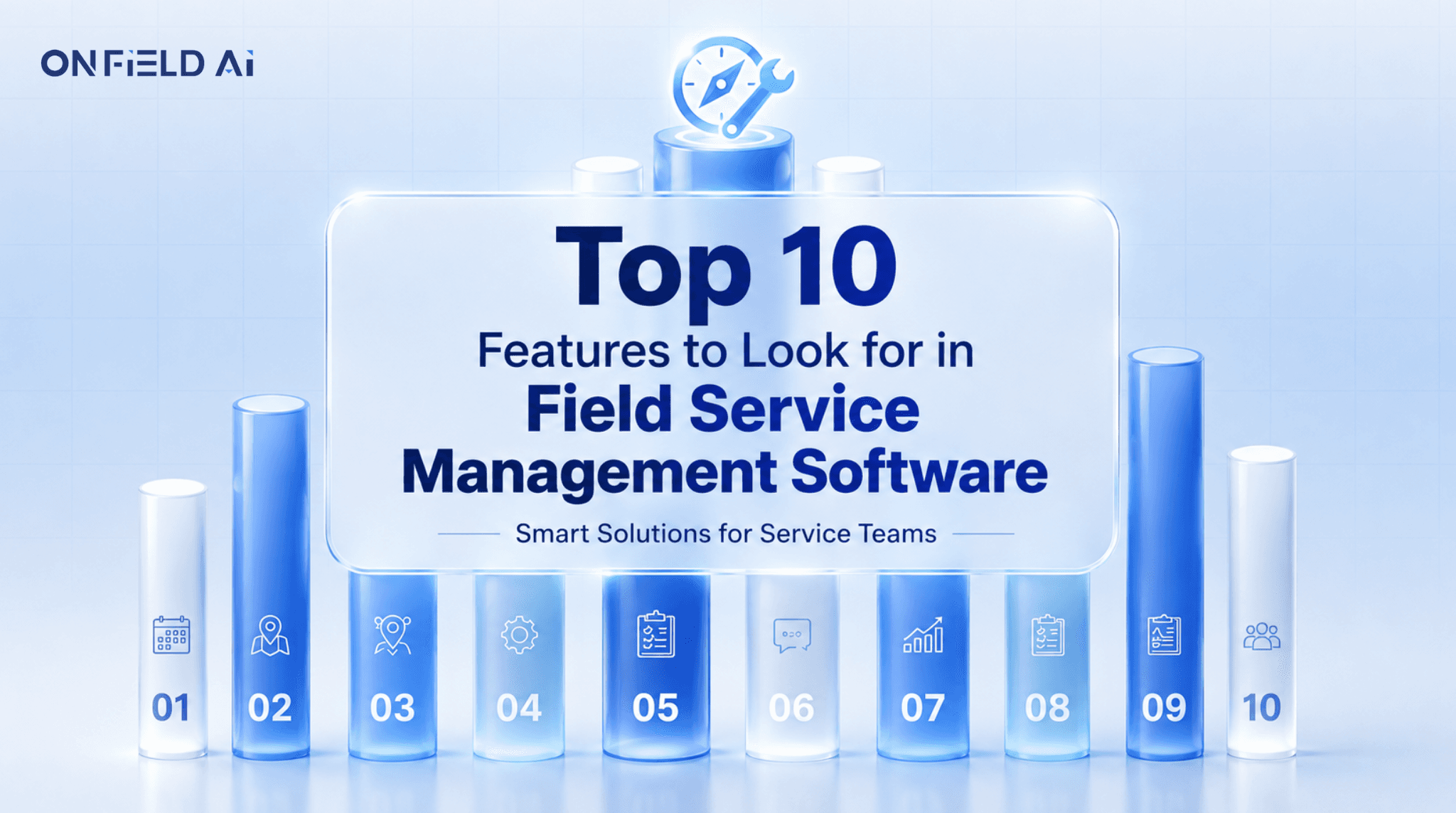
Whether you operate an HVAC company, equipment maintenance business, facility management organization, or a large service enterprise, choosing software with the right capabilities is essential. Here are the 10 most important features to consider before investing in a field service management solution.
Why Choosing the Right Field Service Software Matters
Field service operations involve multiple moving parts. Managers need to know which technician is available, where they are located, what jobs are pending, and whether customers have received timely updates. Technicians need access to job information, service history, instructions, and reporting tools while working remotely.
A good FSM platform connects these activities instead of forcing teams to manage them separately. Businesses evaluating Service Management Software in India should therefore look beyond basic scheduling and consider how effectively a solution can support workforce productivity, automation, customer service, and future growth.
1. Intelligent Scheduling and Dispatching
Scheduling is one of the most important components of field service management. A capable platform should help managers assign jobs according to technician availability, location, skills, workload, and urgency.
Intelligent dispatching can reduce unnecessary travel, prevent scheduling conflicts, and help businesses respond to urgent service requests faster. Automated assignments also reduce the administrative workload placed on service managers.
For businesses managing dozens or hundreds of daily appointments, intelligent scheduling can make a significant difference to technician utilization and overall service efficiency.
2. Real-Time Technician Tracking
Knowing where field employees are and what they are working on provides managers with valuable operational visibility. GPS-based technician tracking allows businesses to monitor field activities, understand travel patterns, and respond quickly when schedules change.
Real-time visibility can also improve customer communication. When managers know the status of an assignment, they can provide more accurate updates instead of relying on repeated phone calls to technicians.
This feature becomes particularly useful for organizations managing large or geographically distributed service teams.
3. Powerful Mobile Application for Field Teams
Field technicians spend most of their working day away from the office, so mobile accessibility is essential. A modern field service platform should provide technicians with a dedicated mobile application that gives them access to relevant information wherever they are.
Technicians should be able to view assigned jobs, access customer details, update job status, upload photographs, record service notes, capture signatures, and complete digital checklists directly from their smartphones.
A strong mobile experience reduces paperwork and ensures information reaches managers without unnecessary delays.
4. Work Order Management
Work orders are at the center of most field service operations. The software should make it easy to create, assign, prioritize, update, and close service jobs.
Managers should have a clear overview of pending, scheduled, ongoing, completed, and overdue work orders. Technicians should receive all necessary job information without depending on separate communication channels.
A centralized work order system creates a reliable record of every service activity and makes it easier to review service history when customers require future support.
5. Preventive Maintenance and Service Scheduling
Reactive repairs can be expensive for both businesses and customers. Preventive maintenance helps identify potential equipment problems before they develop into major failures.
The right software should allow businesses to create recurring maintenance schedules, automate reminders, and assign preventive service visits to appropriate technicians.
This is especially important for organizations providing equipment maintenance, industrial services, HVAC solutions, and other recurring contracts. For example, Field Service Software for HVAC should make it easy to manage regular inspections, servicing, equipment history, and recurring customer appointments.
6. Customer Management and Communication
Field service doesn't end when a technician arrives at a customer's location. Customers expect timely updates, accurate appointments, and transparent communication throughout the service journey.
A good platform should maintain customer profiles, service history, equipment information, previous work orders, and communication records in one place. Automated notifications can also inform customers about appointment confirmations, technician assignments, service progress, and completion.
Better communication creates a more professional customer experience and can contribute to stronger retention and repeat business.
7. Digital Reporting and Documentation
Paper-based service reports can be difficult to organize, share, and retrieve. Digital reporting allows technicians to complete documentation directly from the field while ensuring managers receive information in real time.
Look for features such as digital checklists, photographs, service notes, electronic signatures, inspection forms, and automated reports. These capabilities can significantly reduce administrative work and improve record accuracy.
Organizations researching FSM Software Ahmedabad should particularly consider reporting capabilities if they manage multiple technicians, customer locations, or recurring service contracts.
8. Real-Time Analytics and Performance Dashboards
Data can help service businesses understand what is working and where improvements are required. Modern field service platforms should provide dashboards covering important metrics such as technician productivity, response time, job completion rates, service delays, customer satisfaction, and workload distribution.
Managers can use these insights to identify operational bottlenecks, improve resource allocation, and make data-driven decisions.
Instead of relying on manually prepared spreadsheets, businesses can access updated performance information from a centralized dashboard.
9. Workflow Automation and Integrations
Automation can eliminate many repetitive tasks that consume valuable administrative time. A capable platform should allow businesses to automate job assignments, notifications, reminders, reports, approvals, and recurring workflows.
Integration capabilities are equally important. Businesses may already use CRM, accounting, communication, ERP, or sales platforms, so their field service solution should ideally connect with existing systems.
For companies comparing Service Management Software in India, automation and integration capabilities can become important differentiators when evaluating long-term scalability.
10. Scalability, Security, and Ease of Use
Finally, businesses should consider whether the software can grow alongside their operations. A solution that works for 10 technicians should ideally remain effective when the workforce expands to 100 or more.
The platform should offer an intuitive interface, secure data management, role-based access, cloud accessibility, and flexible configuration. Businesses should also consider whether the provider offers reliable support and regular product improvements.
A scalable platform prevents organizations from having to replace their technology every time their operations expand.
How Onfield AI Supports Modern Field Service Operations
Onfield AI brings workforce management, service coordination, automation, tracking, reporting, and operational insights together within one connected platform. The solution is designed to help businesses simplify field operations while giving managers greater visibility into workforce performance and service delivery.
From technician coordination and digital reporting to automated workflows and real-time insights, Onfield AI helps service organizations build more structured and efficient operations. Businesses evaluating Field Service Management Software Surat can use these capabilities to coordinate distributed teams, improve service responsiveness, and create a more consistent customer experience.
Final Thoughts
Choosing Field Service Management Software is an important operational decision. The right platform should do more than schedule technicians—it should connect your workforce, automate repetitive processes, improve customer communication, and provide meaningful insights into business performance.
Prioritize solutions that offer intelligent scheduling, mobile workforce management, technician tracking, work order management, preventive maintenance, digital reporting, analytics, automation, integrations, and scalability.
As field service operations become increasingly digital, investing in the right technology can help businesses reduce operational complexity, improve workforce productivity, and deliver better service experiences.